0 of 7 days done
Day 1: Meet the computer
1 Imagine
You sit at a new computer in the school lab. There are icons everywhere and a bar at the bottom of the screen. Where do you start?
2 Learn
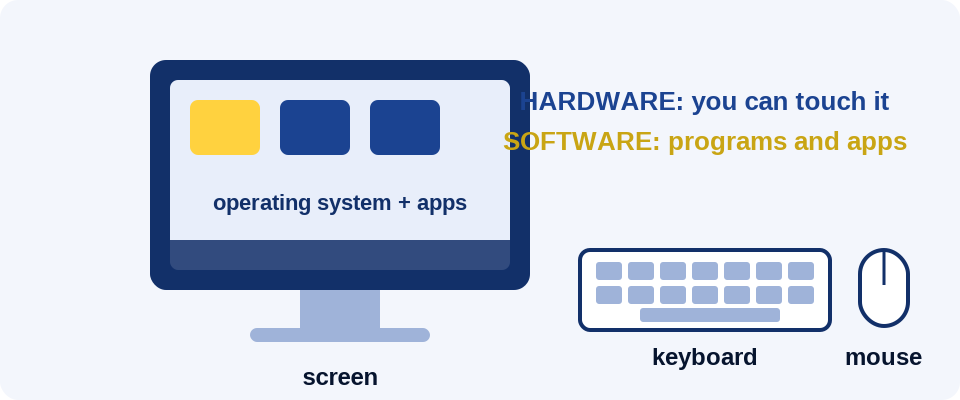
- Hardware is what you can touch: screen, keyboard, mouse. Software is the programs and apps.
- The operating system (such as Windows, macOS or ChromeOS) runs everything and shows the desktop.
- Click once to select, double-click to open, right-click for more options.
- Handy keys: Enter, Backspace, Shift for capitals, and Ctrl+Z (Cmd+Z on a Mac) to undo.
3 Activity
On any computer, find the app menu, the clock and the volume. Open one app and close it. Type your name in a note, then undo it with Ctrl+Z.
Hardware or software?
- Keyboard
- Web browser
- Mouse
- A game app
- Screen
- Word processor
 English Communication
 Trading Basics
 AI at Work